User Signup:Registration Process
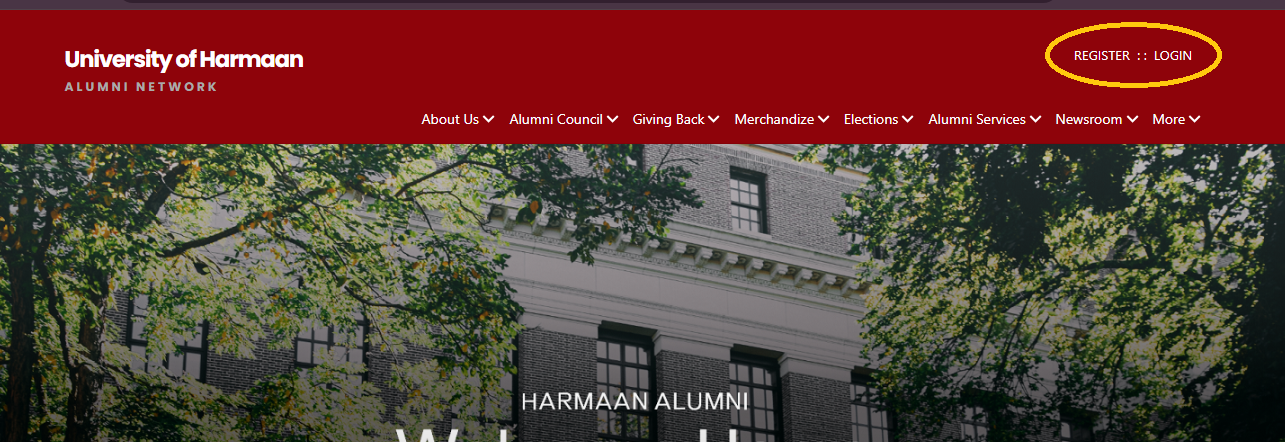
Step 1: Access Alumni Portal
Start by clicking on "Register" on the Home page.
Step 2: Choose Your Sign-Up Method
Social Media or Google Sign-Up:
- If you prefer to sign up using LinkedIn or Google, click on the respective button (LinkedIn or Google).
- Once logged in, you will be redirected to the alumni portal's registration form to complete the process.
Email Sign-Up:
- Choose "Signup with your Email Address".
- Enter your email address in the provided field and click "Submit".
- You will receive a 6-digit One-Time Password (OTP) to your email address.
- Enter the OTP in the given field and click "Submit" to complete the registration process.
Step 3: Complete the Registration Form
Create Account
- Enter your Email, Name, Gender, Date of Birth, Mobile Number, and Current City.
- Set a secure password (8+ characters with uppercase, numbers, and special characters).
- Agree to the Terms of Use.
- Click Create Account to proceed.
- Batch / Faculty Details
Choose to register as an Alumni/ Student or a Faculty Member.
- For Alumni or Student: Add the Course/Degree you pursued and Graduation Year
- For Faculty: Enter your Department and Designation details.
Click submit to proceed after completing the required details.
- Work or Additional Details
- Provide your Current/Latest Work Details or Add any Additional Details if asked
- Click Submit for Approval to proceed.